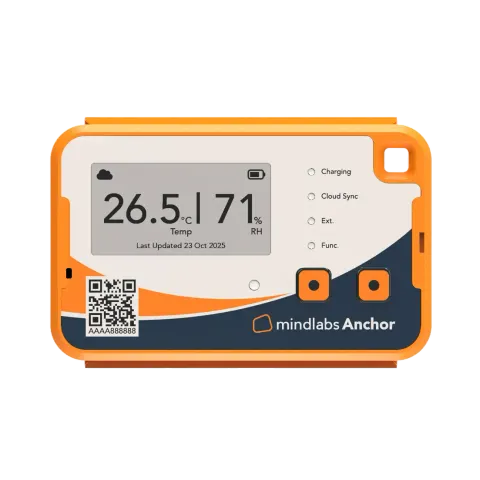
- Wireless
- Multi-point
- Temp + humidity
Mindlabs
Mindlabs Anchor
- Range
- -30 to +70°C, 0–100 %RH (probe: -200 to +200°C)
- Accuracy
- ±0.5°C, ±3 %RH
- Connectivity
- 4G CAT-1 + 2G, Wi‑Fi, Mindlabs Cloud
- Use
- Reusable
₹20,000 – ₹24,999
Server room temperature monitors watch temperature and humidity around the clock and alert your IT team by SMS, email or app the moment conditions drift, before hardware shuts down or fails. Explore Wi‑Fi, Ethernet and 4G monitors for server rooms, network closets and data centers, with full specs and indicative prices in INR. Server room temperature monitors are also called data centre temperature alarms, GSM temperature monitors or SMS temperature alert systems. Most also record humidity and send SMS, call or email alerts when the room overheats or the power fails.
What is a server room temperature monitor?
A server room temperature monitor is a device that continuously measures temperature and humidity around servers and network equipment, and alerts your IT team by SMS, email or app when conditions drift, so cooling failures are caught before hardware overheats or shuts down.
9 models · 6 brands · indicative ₹6,000 to ₹32,000
Mindlabs
₹20,000 – ₹24,999
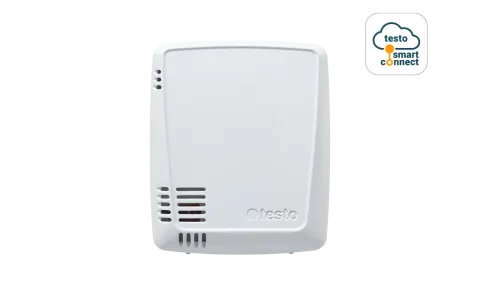
Testo
₹12,000 – ₹18,000indicative
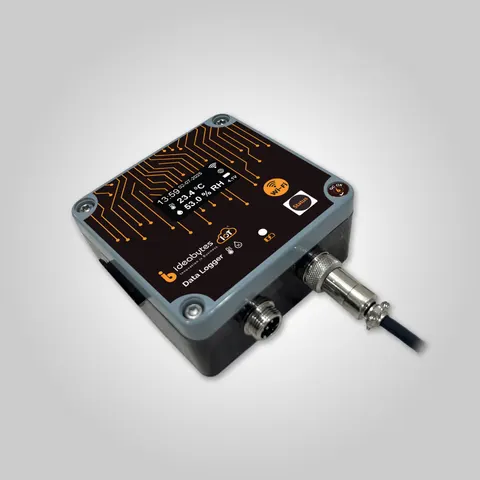
Ideabytes
₹11,000 – ₹18,000indicative
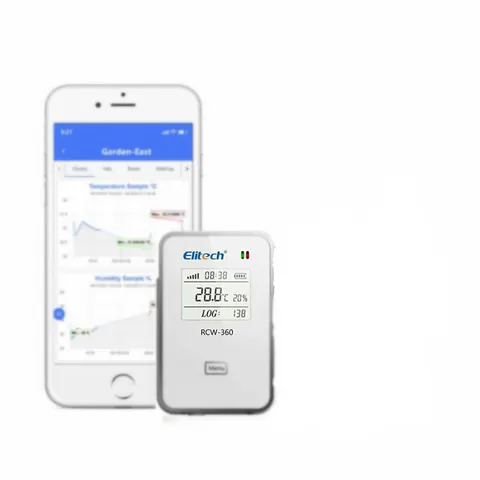
Elitech
₹6,000 – ₹10,000indicative
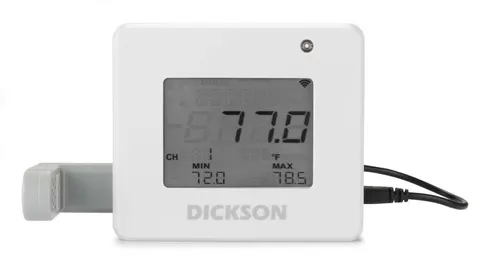
Dickson
₹20,000 – ₹32,000indicative
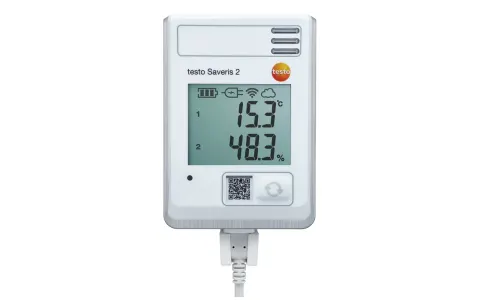
Testo
₹14,000 – ₹20,000indicative
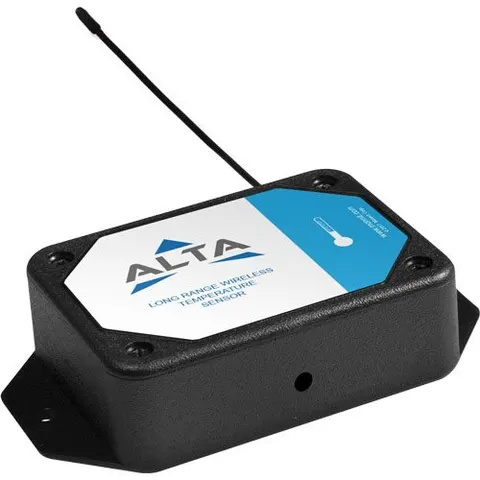
Monnit
₹6,000 – ₹10,000indicative
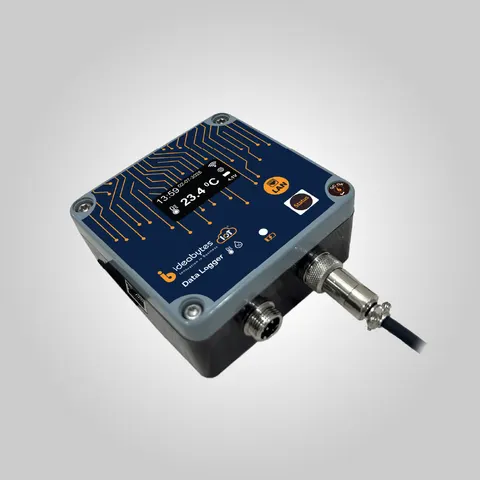
Ideabytes
₹11,000 – ₹18,000indicative
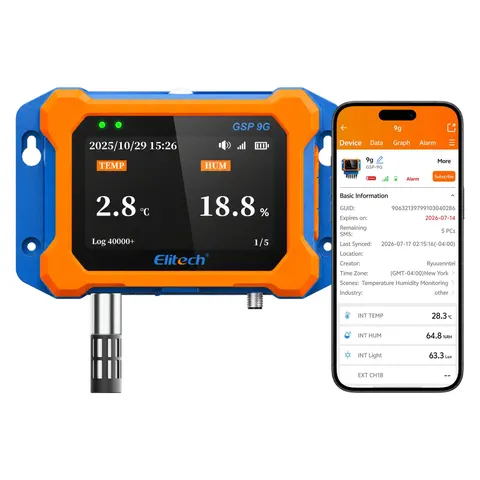
Elitech
₹10,350indicative
Servers, switches, storage and UPS batteries generate a lot of heat, and they depend completely on cooling. When an AC unit fails, a power cut hits the cooling but not the UPS, or a door is left open, temperatures can rise fast.
Without monitoring, the first sign is often a server shutting itself down or failing. With monitoring, your team gets an alert while there's still time to act: switch on a backup AC, open doors, shut down non-critical systems, or call the AC vendor.
Humidity matters too. Air that's too humid risks condensation on equipment, while air that's too dry raises the risk of static discharge.
| Parameter | Typical recommended range | What happens outside it |
|---|---|---|
| Temperature (at server air inlets) | About 18°C to 27°C | Too hot: throttling, shutdowns, shorter hardware life. Too cold: wasted cooling energy |
| Humidity | Roughly 20% to 80% RH, avoiding condensation | Too humid: condensation and corrosion. Too dry: static discharge |
These are typical guidelines based on ASHRAE recommendations for data center equipment. Always check your hardware manufacturer's specifications, which may be stricter. Set alert thresholds a few degrees inside these limits, so your team gets warned before equipment is at risk.
At rack inlets. The temperature that matters is the air entering the servers, at the front of the racks. Measure there, not just the general room temperature.
At different heights. Hot air rises, so the top of a rack is often warmer than the bottom. For important racks, place sensors at the top, middle and bottom.
Hot and cold aisles. In data centers with hot and cold aisle layouts, monitor cold aisles for inlet temperature and hot aisles to check cooling performance.
Near AC units. A sensor near the AC supply shows whether cooling is actually working.
The warmest spot. Rooms often have one corner or rack that runs hotter. A short temperature mapping study, or a few days of extra sensors, helps find it. See temperature mapping data loggers.
For a small server room or network closet, one or two sensors at the most critical rack is a good start. For data centers, plan sensors for every row or rack.
Look for SMS, email and app alerts, with escalation if the first person doesn't respond. A local buzzer or hooter helps alert anyone on site.
Ethernet is the most reliable option in server rooms, since there's always a network port nearby. Wi‑Fi is easy to install. 4G keeps working even if your internet or network goes down, which is exactly when you need alerts most.
±0.5°C and ±2–3% RH is good for server rooms. Some low-cost alarm units are only accurate to ±2°C, which is too coarse for setting tight alarm limits.
Many server room systems support water leak sensors (for AC drips and pipes), power failure detection, door contacts and smoke detectors. These catch problems temperature alone won't show.
The monitor should keep working and alert you during a power cut, with a battery backup or by running on the UPS.
For larger IT setups, check for SNMP or API support, so alerts and readings feed into your network monitoring system.
A dashboard showing all rooms and sites, with history graphs and scheduled PDF or Excel reports, helps with audits and finding recurring problems.
If you have several server rooms, branches or a growing data center, choose a system that lets you add sensors and sites under one account.
| Aspect | Server room or network closet | Data center |
|---|---|---|
| Size | One room, a few racks | Many rows of racks, multiple rooms |
| Sensors needed | 1–4 temperature and humidity sensors | Sensors per rack or row, plus hot and cold aisles |
| Typical setup | Standalone Wi‑Fi, Ethernet or 4G monitor | Multi-point system with central dashboard |
| Extras | Water leak, power failure | Leak detection, power, door access, SNMP integration |
For larger facilities, see multi-point monitoring systems.
Corporate server rooms: on-premise servers, storage and backup systems.
Network and telecom closets: switches and routers in branch offices.
Data centers and colocation facilities: rack-level monitoring across rows.
Bank branches and ATMs: network equipment and server cabinets.
Hospitals and labs: IT rooms that support critical clinical systems.
UPS and battery rooms: batteries degrade faster at high temperatures.
Electrical and panel rooms: heat build-up in electrical equipment.
On this site, server room temperature and humidity monitors range from about ₹6,000 to ₹32,000.
When budgeting, consider:
Tell us how many server rooms and racks you need to monitor for the best price.
Browse server room monitors by brand.
Most server rooms aim for about 18°C to 27°C at the server air inlets, based on ASHRAE guidelines for data center equipment. Check your hardware manufacturer's specifications, and set alerts a few degrees inside the limit so your team is warned before equipment is at risk.
Server rooms should avoid both condensation and very dry air. A range of roughly 20% to 80% relative humidity, without condensation, is commonly used, but check your equipment specifications. Too much humidity risks corrosion, while too little increases static discharge.
Place sensors at the front of racks, where cool air enters the servers, ideally at the top, middle and bottom of critical racks. Add sensors near AC units and at any known hot spot. In data centers, monitor both hot and cold aisles.
When temperature or humidity crosses a limit you've set, the monitor sends alerts by SMS, email, app notification or phone call, and can sound a local buzzer. Better systems escalate to the next person if the first doesn't respond.
Choose a monitor with battery backup or connect it to your UPS. For alerts during an internet or network outage, a 4G model is most reliable, since it doesn't depend on your office network.
Besides temperature and humidity, many server rooms add water leak sensors near AC units and pipes, power failure detection, door contacts, and smoke detectors. These catch problems temperature alone won't show.
Many Ethernet-based monitors support SNMP or an API, so readings and alerts feed into network monitoring software your IT team already uses. Check integration support before buying.
Server room temperature and humidity monitors listed on this site range from about ₹6,000 to ₹32,000. The final cost depends on the number of sensors, connectivity, extra sensors and any cloud subscription.
Tell us how many rooms and racks you need to monitor, and we'll recommend the right setup and send a quote.